This quick procedure walks you through changing your QBO User ID to something other than your email address, which Intuit often uses by default as your user ID. Changing your user ID to something else provides more security for your account because it makes it harder for a hacker to guess what your ID is.
- Log into accounts.intuit.com using the same user ID and password you use to log into your bookkeeping or payroll account.
- Navigate to Sign in & security from the left side menu.
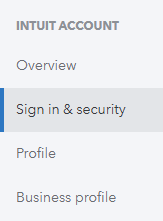
- Put your cursor in the User ID field
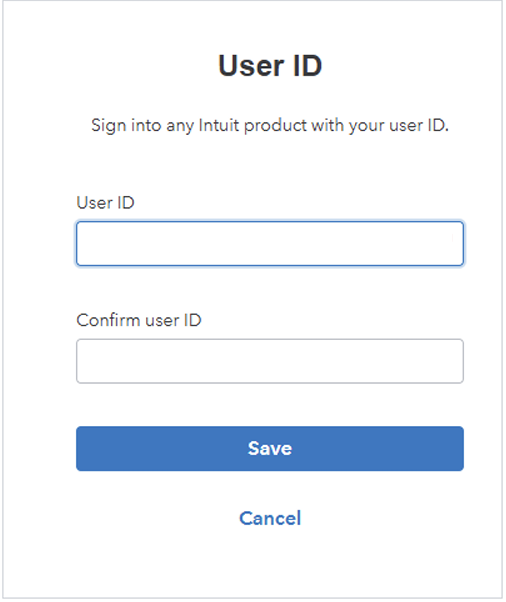
- Enter a new user ID, enter it a second time to confirm, and click the Save button.